Web Search
Get up-to-the-minute answers from across the internet. Perfect for quick questions, fact-checking, and staying current on any topic.

Deep Research Mode
Go beyond simple search results. Deep Research mode analyzes and synthesizes information from multiple sources to deliver comprehensive reports, identify trends, and uncover key insights.

Reasoning Mode
Engage the assistant's advanced logical capabilities. Use Reasoning mode to debug code, solve complex math and logic problems, and get step-by-step explanations for any challenge.

From Conversation to Creation, Instantly
Transform your ideas and chats into professional documents, presentations, and structured data files. Trusted by creators and developers worldwide.
Create Polished Documents
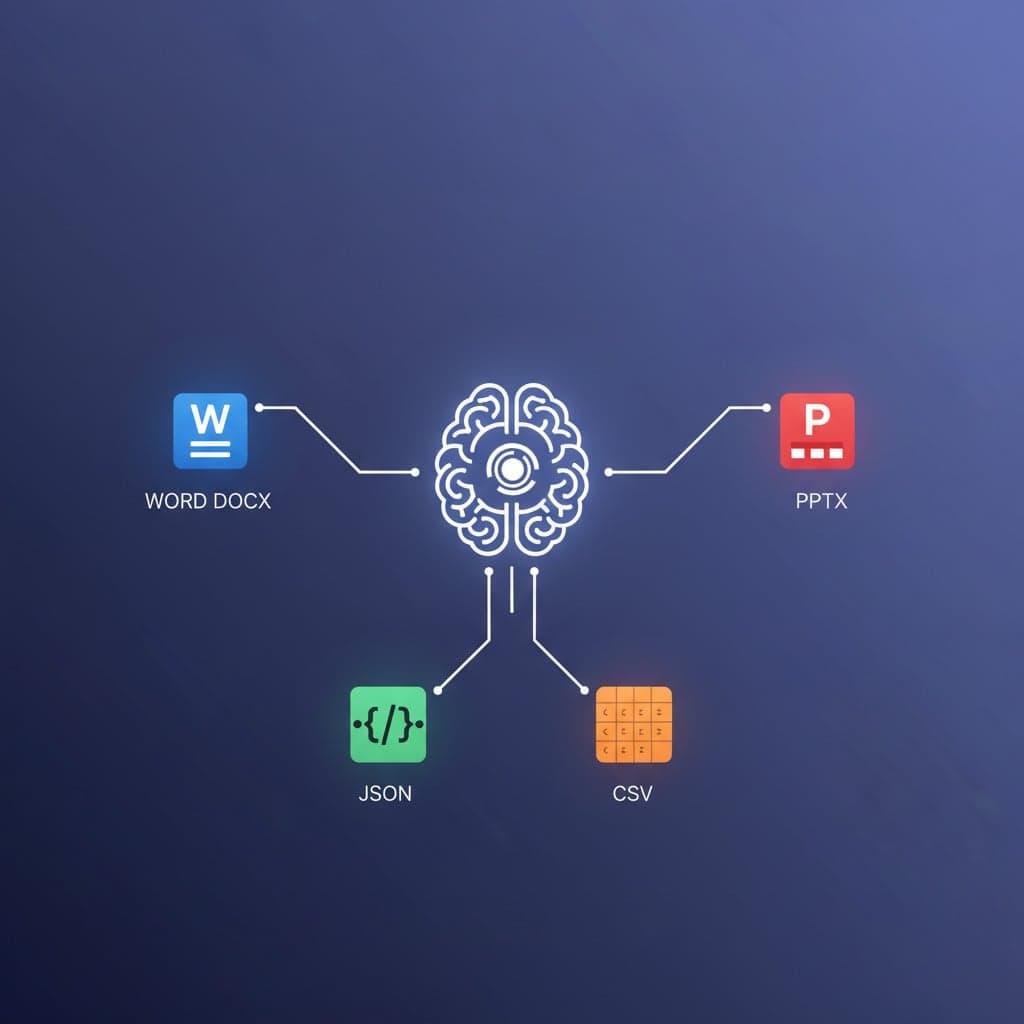
Draft reports, write proposals, or outline your next project brief. Go from a simple prompt to a fully formatted Word document (.docx), ready to share in seconds.
Build Great Presentations
Turn your key points into a professional slide deck. Generate complete presentations (.pptx) with titles, bullet points, and speaker notes, perfect for your next meeting or pitch.
Generate Structured JSON
Need sample data for your app or a clean API response? Describe the structure you need, and get perfectly formatted JSON data for your development and testing workflows.
Export Data as CSV
Quickly create and organize data into a shareable format. Ideal for generating sample datasets, marketing lists, or any tabular data you need for your spreadsheets (.csv).
AI models you can use in Soloa
Use different cutting-edge AI models to craft the perfect response for any question or task.
This is OpenAI's next-generation language model, designed for unparalleled understanding and complex problem-solving. It excels at nuanced conversation, deep reasoning , and versatile task completion, making it the most powerful engine for any professional or creative challenge.
- Advanced reasoning & logic
- Versatile task completion
- Deep contextual understanding
- Higher computational cost
- May provide overly detailed answers
- Can be slower than specialized models
In the Words of Our Users
E. Umeh
I use the assistant for small work things every day, like turning rough notes into a tidy brief. It feels practical, not flashy.
O. Reed
The file export is useful. I can ask for a draft outline, tweak it in chat, then turn it into a document without starting over.
B. Sani
It is good at helping me think through problems. I use it for research questions, email drafts, and quick code explanations.
C. Laurent
I like switching between normal chat and deeper research. For quick tasks it stays light, and for serious ones it gives more structure.
K. Mbatha
The assistant remembers the thread well enough that I can build on an idea instead of repeating myself every message.
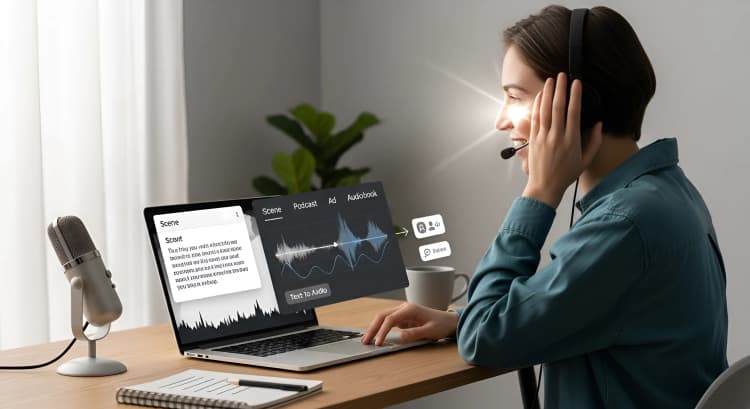
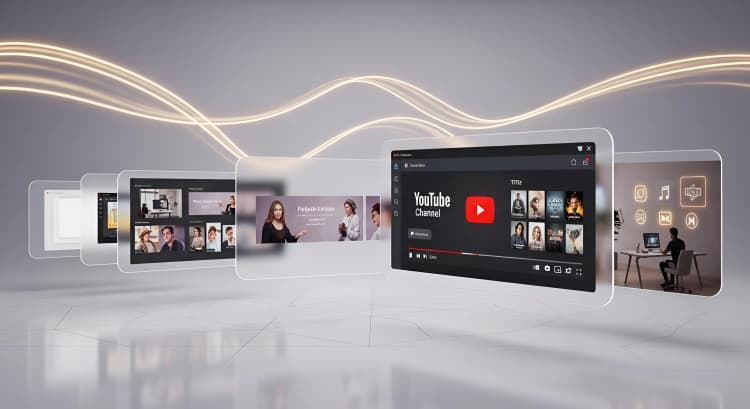
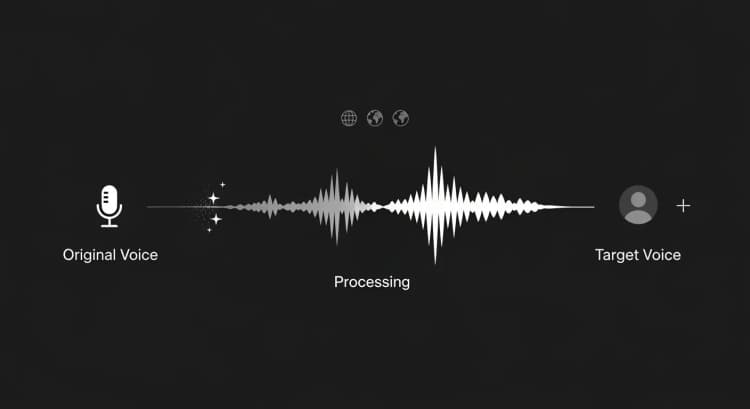
All Your Tools in One Cohesive Ecosystem.


























Ready to supercharge your creativity?
Discover how much you can achieve by simply starting a chat with the world's smartest assistant